 Look
LookStart a gaming-room budget with the desk space, the computer or console you own and the connections each accessory requires. Decorative lighting comes after the equipment works together. A room-shopping bundle does not automatically include the machine that runs the games.
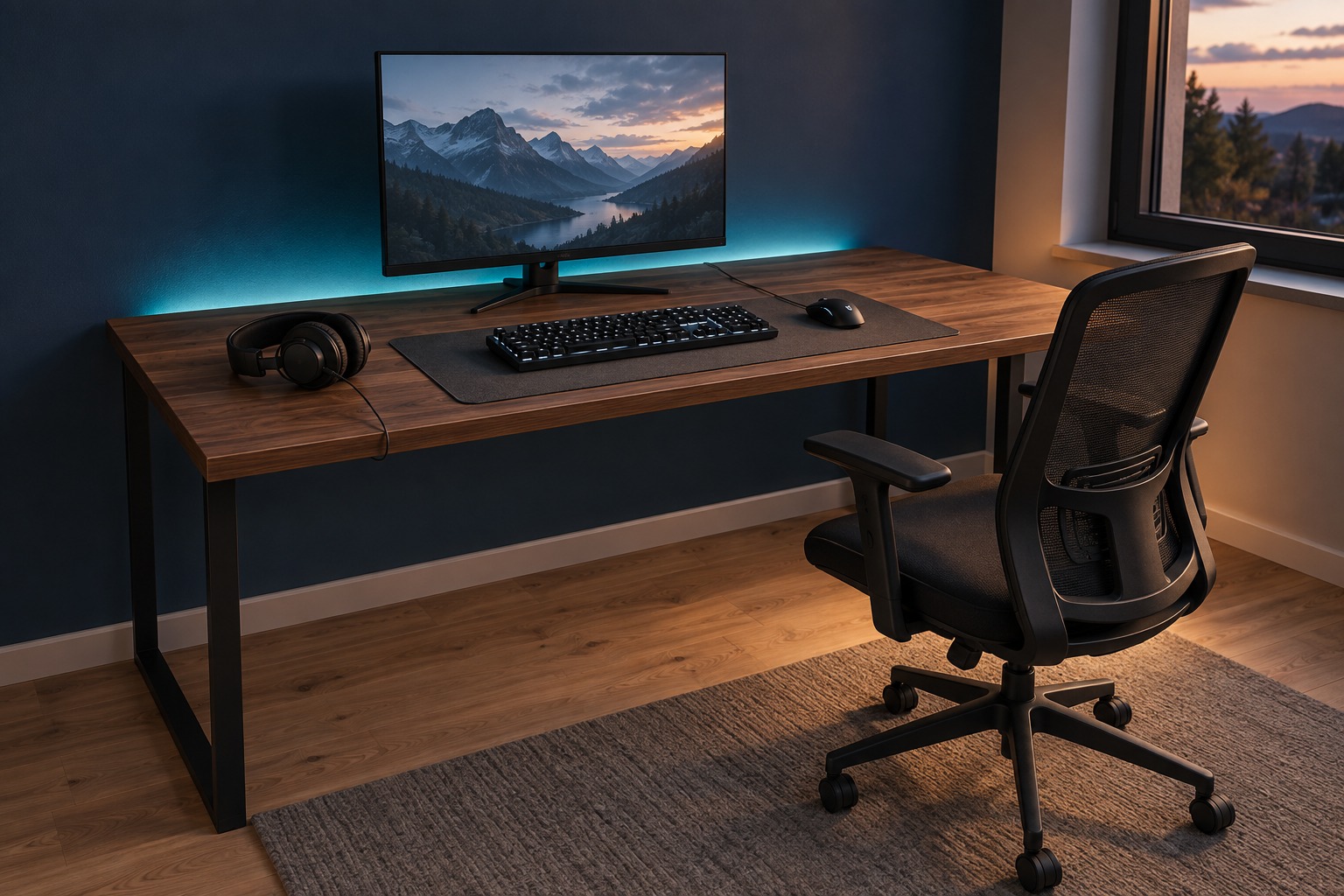
Separate the room from the gaming system
The One More Round plan has an independent allowance of $795 for the desk, chair, monitor, keyboard, mouse, headset, desk mat and lighting. The PC or console is excluded. So are games and any adapters you need. Someone starting with an empty room needs a separate system budget.
Write down your actual device and its ports before choosing a display or headset. A specification such as a monitor’s maximum refresh rate describes a capability; it does not promise that every game or connected device will reach that rate.
Mock up the desk before buying the display
The listed desk has a 55 by 24 inch top. Mark those dimensions on the floor or an existing surface, then account for the chair, drawers, door opening and the route behind the seat. Check the monitor stand footprint as well as the screen size.
Place your existing keyboard and mouse where you intend to use them. A full-size keyboard takes a different amount of space from a compact model. Consider where the headset goes when you stand up and how cables reach their ports. These choices can reveal a fit problem before there is any furniture to return.
Make this personal: compare a plan against your budget and start with the pieces you need.
Remove the right line when the budget is tight
Lighting accounts for $25 of the plan. Removing it leaves $770, so lighting alone will not turn this into a low-budget setup. Reusing a suitable desk and chair would remove $290 of planning allowances.
Reuse only equipment that meets your needs and the manufacturer’s requirements. If you are replacing one uncomfortable or incompatible item, buy for that problem rather than recreating the entire image. Choose decorative lighting after the main layout and connections are settled.
- List the PC or console, ports and accessories you already own.
- Check exact monitor, keyboard, mouse and headset compatibility.
- Allow room for the chair to move and for doors to open.
- Review wall attachments and electrical instructions before adding lights.
| Decision | Included example | Still your check |
|---|---|---|
| Workspace | 55 × 24 in desk | Room fit, chair movement and screen-stand depth |
| Display | 2560 × 1440 monitor | Device support, connections and game performance |
| Atmosphere | Decorative LED strip | Power, mounting surface and maker’s instructions |
| Gaming system | Not included | PC or console and any required adapters |
A QUICK PLANNING CHECK
Can you spot the missing part of the gaming budget?
Does this room bundle include a gaming PC or console?
Turn the idea into your own plan
Explore the One More Round shopping list, remove what you own and review each product’s specifications. The full list has a $795 USD planning allowance before your changes.
As an Amazon Associate I earn from qualifying purchases. These are independent budget allowances, not current retailer prices or promised savings. Check the exact listing, variant, quantity and delivery estimate before buying.